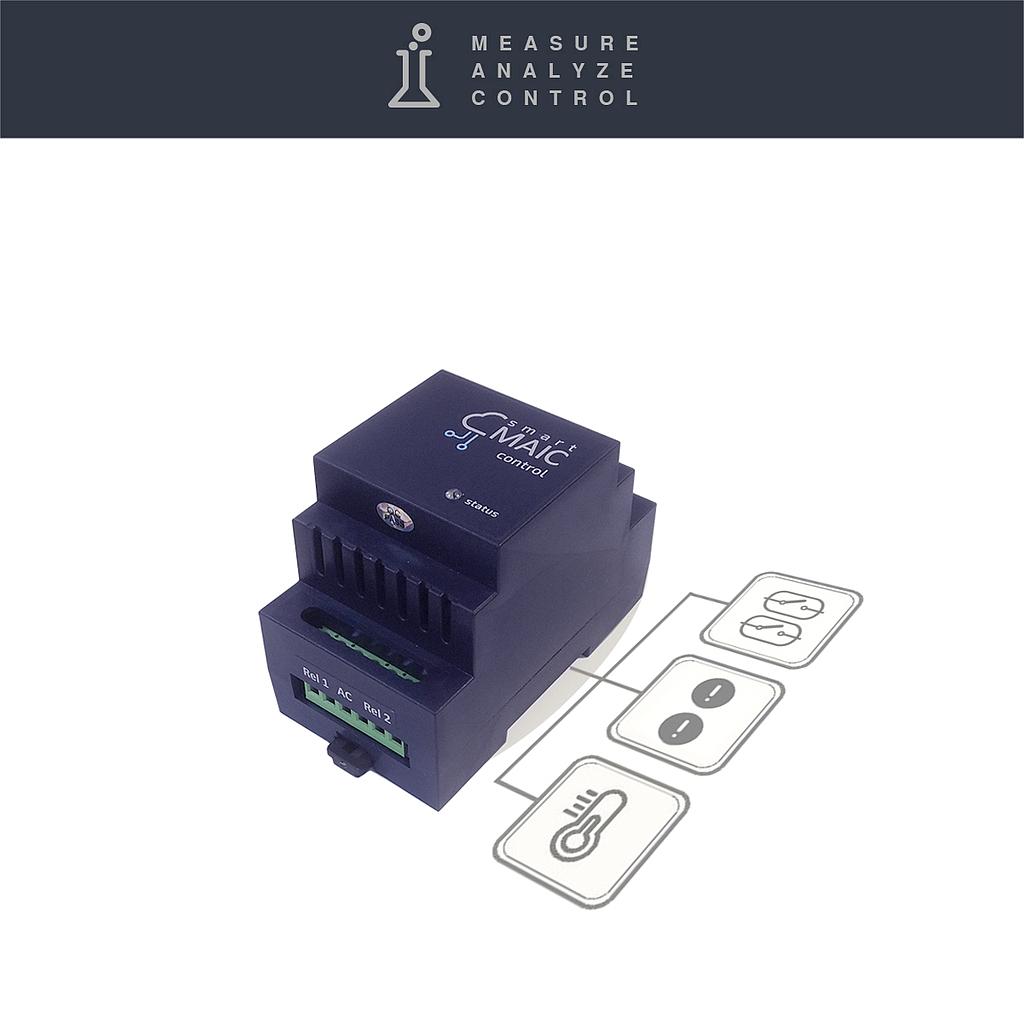




smart-MAIC E2 WiFi Remote Relay Module
2 Relay, 2 Control inputs, 2 Sensors
Version: E2 Remote Relay
Buy now and install in a couple of days
Two weeks money-back guarantee
Two years warranty
smart-MAIC E2 WiFi Remote Relay Module
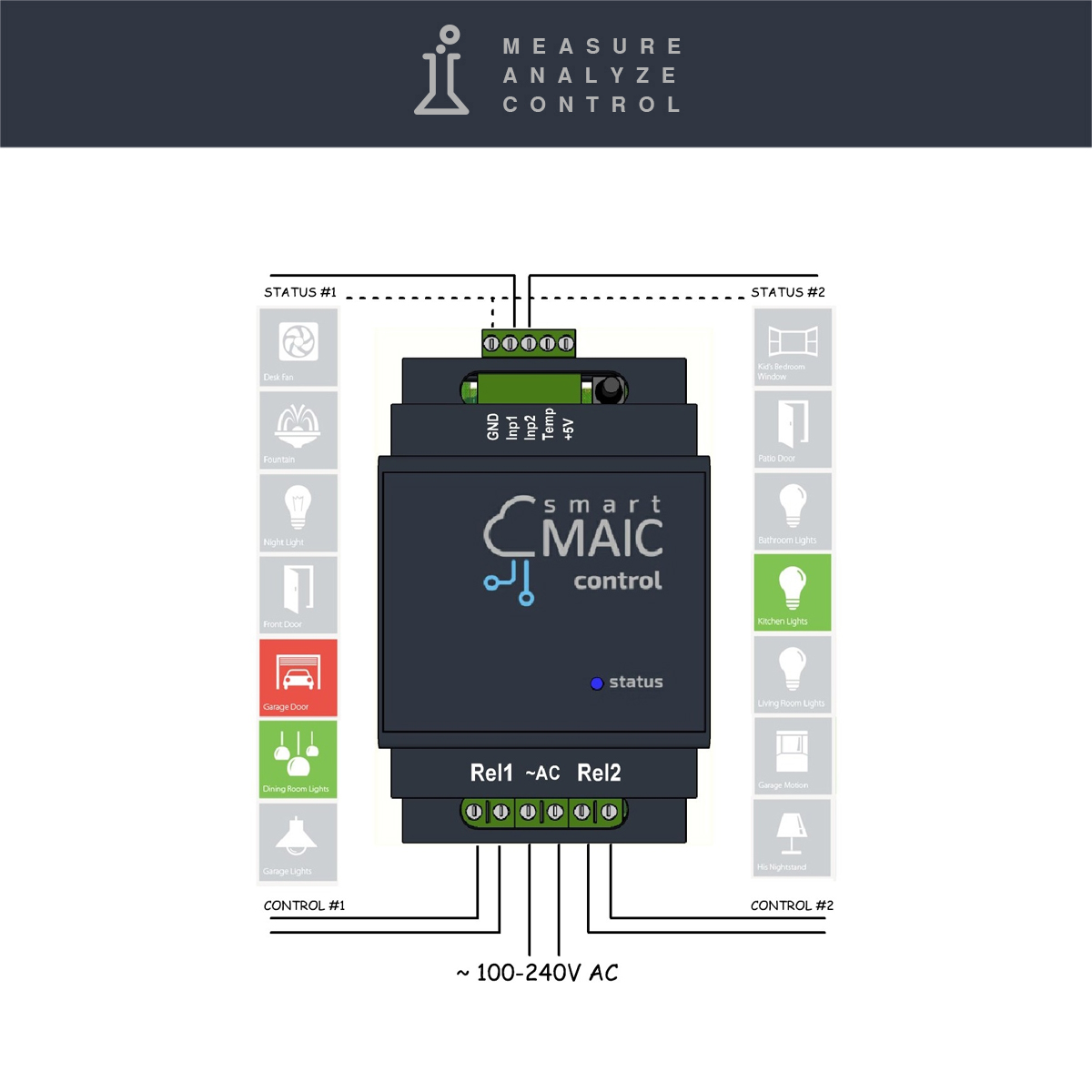
The E2 device controls two external loads using two built-in relays and monitors their status with two control inputs that operate on short circuits. The E2 module can operate independently or act as an additional external module and be controlled remotely from the D101/D103 energy monitor or the D105 universal pulse counter.
How to connect and set up remote control E2 in the Knowledge Base »
Measured Inputs and Features
- two 16A dry contact relays (up to 3500W)
- two control inputs for closing
- one 1-Wire input for two temperature sensors or one universal sensor DHT22
- intervals for API and MQTT: 60 sec
Key features
- Remote control of two loads
- Monitoring the status of two points
- Wi-Fi Wireless interface
- GSM Cellular (optional)
- Free cloud data server
- Dashboard for data analysis and visualization
- One-Minute data detail
- Hourly/Daily/Monthly intervals without time limits
- Remote output management
- API interface for developers
- MQTT remote client
- DIN Rail mounting
Specifications
| Load control | two, dry contact relay |
| Load status | two, contact closure |
| 1-Wire Input | 2 Temperature sensors or 1 Universal sensor |
| Max. Power at the relay | < 3500W |
| Wireless Protocol | 2.4 GHz / IEEE 802.11 (b, g, n) |
| GSM Cellular (option) | 4G WiFi USB Router (optional) |
| Data Collection interval | 1 minute |
| Data Update interval | 5 second |
| Storing Data without Internet | 30 days |
| Working Range Temperatures | -40 . . +60 ºС |
| Power Supply | AC 100-240V, 50/60Hz, 0.1A or 5V DC |
| Size LхWхD | 90х63х34 mm (2 DIN modules) |
Live Demo: dash.smart-maic.com
Multilingual Manual: Read online »
Website: www.smart-maic.com
Knowledge Base: support.smart-maic.com